Apple TV vs Spectrum Cable Box: Compared
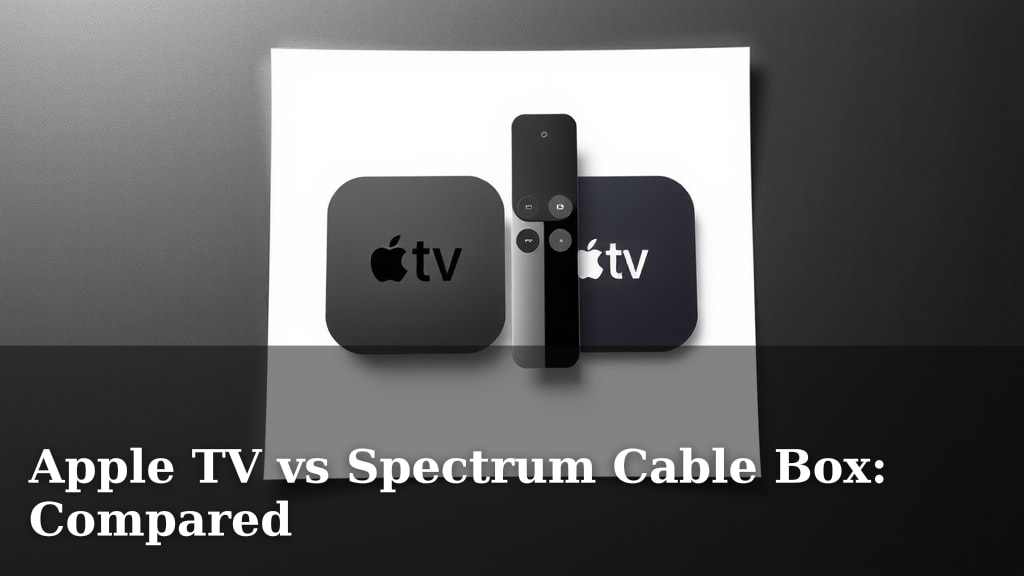
When choosing between an Apple TV and a Spectrum cable box, the main difference comes down to flexibility versus simplicity. Apple TV offers a more modern streaming experience with a vast app selection, while a Spectrum box provides straightforward access to live TV channels.
If you’re looking for a device that can do more than just watch TV, like playing games or controlling smart home devices, Apple TV often shines. However, if you prefer a simple, guided path to your favorite shows and channels, a Spectrum box might be your better bet.
TL;DR:
- Apple TV is great for streaming apps and smart home control.
- Spectrum cable box is best for traditional live TV viewing.
- Apple TV requires separate subscriptions for most content.
- Spectrum boxes are tied to your Spectrum TV package.
- Consider your viewing habits when deciding.
Now, let’s break down which option might be the best fit for your home entertainment setup.
Apple TV vs. Spectrum Box: Which Device Serves Your Home Better?
Deciding between an Apple TV and a Spectrum cable box boils down to your everyday viewing habits. We’ve found that each device offers a distinct experience. Think of it like choosing between a versatile multi-tool and a specialized chef’s knife. One does a lot of things reasonably well, the other does one thing exceptionally well.
Apple TV is a streaming device. It connects to your internet and lets you download apps. Spectrum boxes are cable receivers. They connect to your coaxial cable and deliver live TV channels included in your Spectrum package.
What Exactly Is an Apple TV?
An Apple TV is more than just a box. It’s a gateway to apps. You can stream movies and shows from services like Netflix, Hulu, Disney+, and Max. It also offers live TV streaming apps like YouTube TV or Sling TV. Beyond entertainment, it acts as a hub for Apple’s ecosystem. You can use it to play Apple Arcade games or control smart home devices with HomeKit. It relies heavily on your internet connection. A stable, fast internet plan is essential for a good experience.
Understanding Your Spectrum Cable Box
Your Spectrum cable box is designed for traditional television viewing. It receives signals directly from Spectrum’s cable network. This means you get live TV channels as part of your cable subscription. You don’t need a separate subscription for each channel you watch, beyond your main cable package. It’s generally a simpler setup. Plug it in, connect the cable, and you’re ready to go. It’s not designed for third-party apps or extensive smart home control.
Content Access: Apps vs. Channels
The biggest difference you’ll notice is how you access content. It’s really about whether you prefer a world of apps or a curated channel list.
Apple TV: A World of Apps
With Apple TV, you download apps for each streaming service you want. This offers incredible flexibility. You can mix and match subscriptions to create your perfect content bundle. Want to watch HBO content? Download the Max app. Love cooking shows? Find an app for that. You control exactly what you subscribe to and what you watch. This can be great for saving money if you’re selective. However, it also means managing multiple subscriptions and logins.
- Access to thousands of streaming apps.
- Control over individual service subscriptions.
- Can include live TV via streaming apps.
- Content is dependent on your internet speed.
Spectrum Box: Curated Channels
A Spectrum box gives you direct access to the channels included in your Spectrum TV package. This means live news, sports, and entertainment channels are readily available. Spectrum offers different tiers of packages. You choose a package, and you get the channels in that package. It’s a more guided experience. You don’t need to worry about downloading apps for basic cable channels. The channels are just there, ready to be watched.
- Direct access to live TV channels.
- Content tied to your Spectrum subscription package.
- Simpler navigation for traditional TV viewers.
- Requires a cable connection, not just internet.
User Experience and Interface
How easy is it to use them day-to-day? We found this to be a significant deciding factor for many people.
Apple TV: Modern and Intuitive
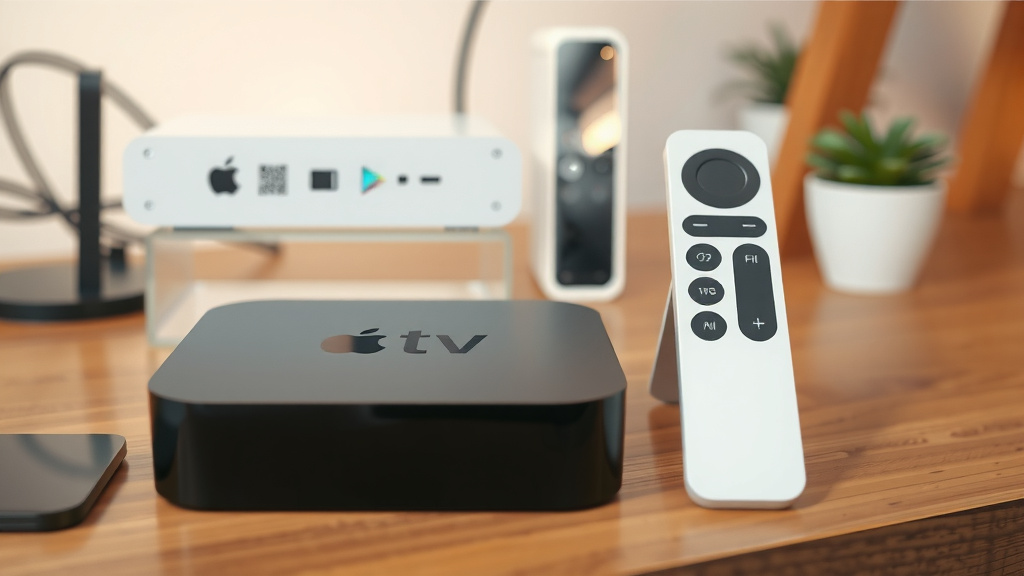
Apple’s interface is known for being clean and user-friendly. The Apple TV home screen shows your apps and recently watched content. Navigation is typically done with a sleek remote, often featuring a touchpad. You can search for content across multiple apps. Many users find it very intuitive. You can also customize your home screen. It feels like a modern smartphone interface, but for your TV.
Spectrum Box: Traditional and Straightforward
Spectrum boxes generally offer a more traditional TV guide interface. You’ll see a grid showing what’s on each channel. Navigation is usually with standard directional buttons. While functional, it might feel less modern than the Apple TV. Some users prefer this simplicity. Others might find it a bit clunky compared to app-based interfaces. You can typically use Spectrum’s own guide to see listings and set recordings if your box supports it.
Cost and Value Considerations
Let’s talk about what these devices might cost you in the long run.
Apple TV: Upfront Cost and Subscription Fees
You’ll typically pay an upfront cost for an Apple TV device. Prices vary depending on the model and storage capacity. Then, you’ll pay monthly subscription fees for each streaming service you use. This can add up. However, if you’re strategic, you might save money compared to a large cable package. You only pay for the content you actually consume. Some services offer free trials. We found this can be a great way to test new content.
Spectrum Box: Equipment Fees and Bundle Deals
Spectrum boxes usually have a monthly equipment rental fee. This fee is separate from your TV package subscription cost. So, while you don’t pay an upfront cost for the box itself, you pay for it over time. If you have multiple TVs, you’ll likely pay for multiple boxes. Spectrum often offers bundles that can include internet, TV, and phone. These bundles can sometimes offer savings. It’s worth exploring what deals are available.
Key Differences at a Glance
Here’s a quick way to see the main distinctions:
| Feature | Apple TV | Spectrum Cable Box |
|---|---|---|
| Primary Function | Streaming Apps, Smart Home Hub | Live TV Channel Reception |
| Content Source | Internet Apps (Netflix, Hulu, etc.) | Spectrum Cable Subscription |
| Interface | App-based, Modern UI | Traditional TV Guide |
| Setup | Internet Required, App Downloads | Cable Connection Required |
| Flexibility | High (choose your own apps/services) | Low (limited to cable package) |
| Cost Structure | Upfront Device Cost + Subscription Fees | Monthly Equipment Rental + Package Fees |
Which One Is Right For You? A Quick Checklist
To help you decide, consider these points:
- Do you primarily watch live TV channels?
- Are you comfortable managing multiple streaming subscriptions?
- Is a wide variety of apps important for your entertainment?
- Do you want to integrate smart home devices with your TV?
- Is a simple, plug-and-play setup your top priority?
- Do you already have a robust internet connection?
Answering these questions should point you in the right direction. It’s all about matching the device to your personal entertainment style.
Conclusion
Choosing between an Apple TV and a Spectrum cable box really comes down to your personal viewing preferences. If you love exploring endless apps, managing your own subscriptions, and want a smart home hub, the Apple TV is likely your best bet. For those who prefer a straightforward, guided experience with live channels ready to go, the Spectrum box simplifies things. We found that assessing how you currently watch TV and what you want from your entertainment system is key. Take a moment to think about your daily habits, and you’ll easily find the device that fits your home perfectly. Consider starting a free trial of a streaming service to see if the app-based approach works for you.
Frequently Asked Questions
Can I use Apple TV to watch live TV channels like I would with a Spectrum box?
Yes, you can watch live TV on Apple TV, but it works differently. You’ll need to subscribe to live TV streaming services through apps like YouTube TV, Sling TV, or Hulu + Live TV. These services replace traditional cable channels but require separate monthly subscriptions.
Will my Spectrum TV package work with an Apple TV?
Your Spectrum TV package is specifically for their cable boxes. While Spectrum does offer a TV app for certain devices, it’s not the same as using your cable box. Apple TV accesses content through internet-based apps, so your Spectrum package won’t directly integrate into the Apple TV interface.
Is one device better for sports fans than the other?
This depends on your sports viewing habits. If your favorite sports are on specific cable channels included in your Spectrum package, their box is a direct route. If you prefer streaming sports apps or international leagues, Apple TV offers more flexibility to subscribe to those specific services.
Do I need both an Apple TV and a Spectrum box in my home?
You generally do not need both unless you have very specific needs. Many people choose one primary device for their main TV. If you want the app-based flexibility of Apple TV on one TV and the simple live TV of a Spectrum box on another, that’s an option, but often one device can serve your household well.
Which device is easier for someone less tech-savvy to use?
For individuals who prefer a simple, traditional experience, the Spectrum cable box is often easier to set up and navigate. Its interface is designed for direct channel access, while Apple TV’s app-based system requires more interaction with downloads and subscriptions, which might be overwhelming for some users.